
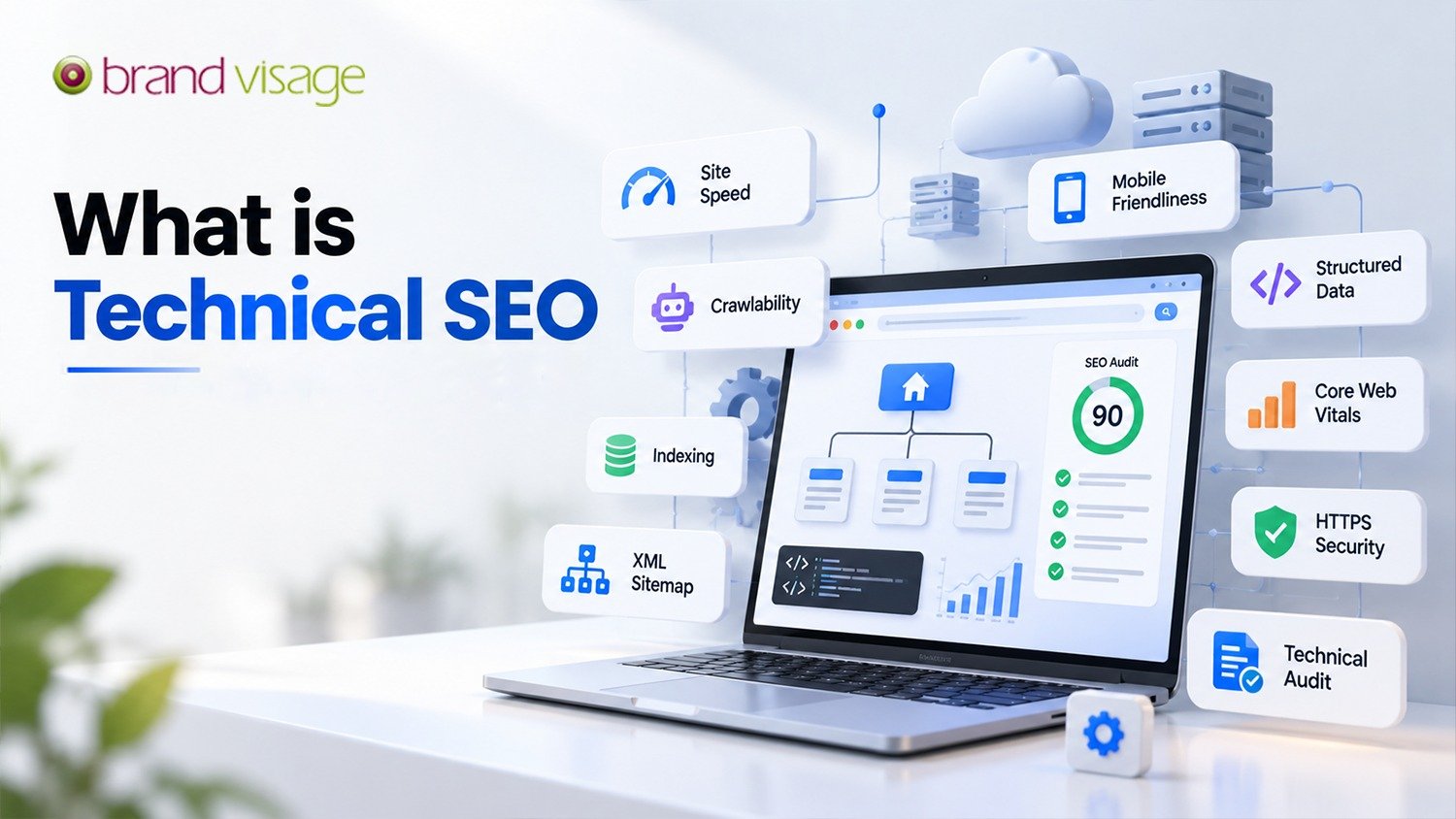
You can publish excellent content and earn good backlinks, but if search engines can’t crawl or understand your website, those pages may never reach the people searching for them. That is where technical SEO comes in. This guide explains what technical SEO is, why it matters, what to check on your own site, and when it makes sense to bring in technical SEO services.
Technical SEO Checklist: A Quick Health Check
Use this list for a fast review of your website. Each point is explained further down.
- Key pages load quickly on mobile and desktop
- Core Web Vitals are in the “good” range in Google Search Console
- The site works well on mobile devices
- HTTPS is active on every page
- An XML sitemap exists and is submitted in Search Console
- robots.txt isn’t blocking important pages
- Important pages are indexed and not set to noindex by mistake
- No broken internal links or long redirect chains
- Duplicate pages point to one preferred URL
- Structured data is added where it fits and tested
What Is Technical SEO?
Technical SEO is the work of improving your website’s infrastructure, so search engines can crawl, render, index, and understand your pages. It focuses on how the site is built and served, not on what the content says. Typical areas include page speed, mobile usability, security, site structure, redirects, and structured data.
If you’re wondering what technical SEO is in plain terms, think of it as the foundation of a building. Visitors rarely notice it when it’s solid, but everything above it suffers when it isn’t.
Technical SEO vs On-Page SEO vs Off-Page SEO
The three areas of SEO work together, and each solves a different problem.
| Type | Main focus | Examples |
|---|---|---|
| Technical SEO | How the site is built and accessed | Speed, HTTPS, sitemaps, redirects, structured data |
| On-page SEO | What is on each page | Content, titles, headings, images, internal links |
| Off-page SEO | Your reputation beyond the site | Backlinks, brand mentions, reviews, digital PR |
Want to know more about on-page SEO? Read: What is on-page SEO
Want to know more about off-page SEO? Read: What is off-page SEO
The Importance of Technical SEO
The importance of technical SEO shows up simply: it decides whether search engines can reach your content and whether visitors enjoy using your site once they arrive.
It Helps Search Engines Crawl and Index Your Pages
A page that can’t be crawled or indexed can’t appear in search results. Technical SEO removes barriers such as blocked pages, broken links, accidental noindex tags, and confusing site structure.
It Improves Speed and User Experience
Slow pages frustrate visitors, especially on mobile connections. Faster, more stable pages keep people reading and support the page experience that Google’s systems look for.
It Supports Mobile-First Indexing
Google predominantly uses the mobile version of a page for indexing. If your mobile pages are missing content or links that appear on desktop, that content may not be considered.
It Builds Trust and Security
HTTPS protects the connection between your site and its visitors, and browsers warn people away from sites that don’t use it. Google has also said HTTPS is a lightweight ranking signal.
It Makes Your Content Easier to Interpret
A clear structure, clean URLs, and structured data help search engines, and the AI-powered search features built on them, understand what each page is about.
One thing to keep in mind: technical SEO isn’t a shortcut to the top of Google. It removes obstacles so that your content and links can do their job.
Key Elements of Technical SEO
Site Speed and Core Web Vitals
Core Web Vitals measure real visitor experience: Largest Contentful Paint (LCP) for loading, Interaction to Next Paint (INP) for responsiveness, and Cumulative Layout Shift (CLS) for visual stability. Compressing images, enabling caching, minifying code, and using a content delivery network (CDN) can all help.
| Metric | Good | Needs improvement | Poor |
|---|---|---|---|
| LCP | Up to 2.5 sec | 2.5 to 4 sec | Over 4 sec |
| INP | Up to 200 ms | 200 to 500 ms | Over 500 ms |
| CLS | Up to 0.1 | 0.1 to 0.25 | Over 0.25 |
Don’t chase a perfect score for its own sake. Find what is slowing the page down and check that fixing it improves the real experience.
Mobile-Friendliness
Use responsive design, readable text, easy-to-tap buttons, and the same key content on mobile as on desktop.
Crawlability and Indexing
Keep important pages within a few clicks of the homepage, link to every page you want found, and avoid orphan pages that have nothing to link to. The Page indexing report in Google Search Console shows which pages are indexed and why others aren’t.
XML sitemap and robots.txt
An XML sitemap lists the URLs you want search engines to find. A robots.txt file tells crawlers which areas they may or may not crawl. Blocking a URL in robots.txt doesn’t guarantee it stays out of search results. To keep a page out of the index, use a noindex directive and let search engines crawl the page so they can see it.
Site Architecture and URL Structure
Organize content into logical categories and use short, readable URLs, such as /technical-seo-services. A tidy structure helps visitors and search engines understand how pages relate.
HTTPS and Website Security
Install an SSL certificate, redirect HTTP to HTTPS, and fix any mixed content warnings, where a secure page loads insecure files.
Structured Data (Schema Markup)
Structured data is code that describes your content to search engines, such as a product, an FAQ or a local business. It can make pages eligible for rich results, although Google doesn’t guarantee they will appear.
Broken Links, Redirects, and Duplicate Content
Broken links frustrate visitors and can waste crawl effort, which matters most on large sites. Use 301 redirects for pages that have moved permanently, avoid long redirect chains and use canonical tags to point to your preferred version of duplicate pages. Canonicals are a strong hint rather than a command.
Common Technical SEO Issues and How to Fix Them
| Issue | Why it matters | Typical fix |
|---|---|---|
| Slow pages | Visitors leave, and Core Web Vitals suffer | Compress images, enable caching, use a CDN |
| Broken links | Dead ends for visitors and crawlers | Update the link or add a 301 redirect |
| Duplicate pages | Search engines must guess the main version. | Add canonical tags, consolidate URLs |
| Missing XML sitemap | Pages may be found more slowly. | Create it and submit it in Search Console. |
| Blocked by robots.txt | Pages can’t be crawled. | Correct the rules |
| Accidental noindex | Pages stay out of search results. | Remove the tag and request indexing. |
| No HTTPS | Browser warnings and lost trust | Install SSL, redirect HTTP to HTTPS. |
Technical SEO Tools Worth Knowing
- Google Search Console: free reports on indexing, crawl issues, mobile usability, and Core Web Vitals.
- PageSpeed Insights: tests page speed and suggests specific improvements.
- Lighthouse: built into Chrome, it audits performance, accessibility, and SEO basics.
- Screaming Frog, Ahrefs, and Semrush: crawl your site to find broken links, duplicate content, and missing tags.
Technical SEO Services: When Should You Hire an Expert?
Many basic fixes, such as submitting a sitemap or compressing images, can be handled in-house. Larger or more complex sites often need specialist help. Consider technical SEO services if:
- Your organic traffic has dropped without a clear reason
- Important pages aren’t getting indexed
- Your site is slow or fails Core Web Vitals
- You’re planning a redesign, migration, or platform change
What Do Technical SEO Services Include?
- A technical SEO audit
- Crawl and indexing fixes
- Speed and Core Web Vitals improvements
- Sitemap, robots.txt, and structured data setup
- Redirect mapping and migration support
- Ongoing monitoring and reporting
How to Choose the Right Provider
Ask what the audit will cover and how findings will be prioritized. A useful report explains each problem, why it matters, and what to do next. Look for clear reporting and experience with your platform, whether that is WordPress, Shopify, or a custom CMS. Be cautious of anyone who promises instant rankings, because no one can guarantee a position on Google.
How Brand Visage Communications Can Help
Technical fixes work best as part of a wider SEO plan. Brand Visage Communications is an SEO agency in Delhi offering SEO and digital marketing services. A good first step is to review your site’s speed, crawlability, and indexation so you know where to focus your effort before spending time on fixes that won’t make a difference.
Frequently Asked Questions About Technical SEO
What is technical SEO in simple words?
Technical SEO means improving the behind-the-scenes parts of your website so search engines can easily find, read, and index your pages.
Why is technical SEO important?
The importance of technical SEO lies in making your site fast, secure, mobile-friendly, and crawlable, which are the basics of appearing in Google search results.
What do technical SEO services include?
Technical SEO services typically include a site audit, crawl and indexing fixes, speed improvements, sitemap and robots.txt setup, structured data, redirect management, and ongoing monitoring.
How often should I run a technical SEO audit?
Review your site every few months and after any major change, such as a redesign, migration, or new site structure. Larger sites that change often may need more frequent checks.
Can technical SEO improve my Google rankings?
It can fix problems that hold your pages back, but rankings also depend on content quality, relevance, competition, and backlinks. Technical SEO supports your ranking efforts rather than guaranteeing a result.
Can I do technical SEO myself?
Yes. Basics like submitting a sitemap, compressing images, and fixing broken links are beginner-friendly. Complex issues such as migrations, rendering problems, or large-scale indexing errors usually benefit from an expert.
Conclusion
Technical SEO is the foundation of a healthy SEO strategy. It helps search engines access and understand your website, and it gives visitors a fast, secure experience. Audit your site, fix crawl and speed issues first, and monitor regularly. If you’d rather not do it alone, professional technical SEO services can save time and help you prioritize.
Want a technical SEO audit for your website? Contact Brand Visage Communications at business@brandvisage.com or +91 9717580410.